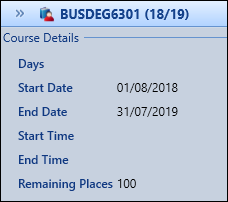
You can view details of the current learner and course from the applications module.
 View learner details
To view the Learner panel, select the Expand button on the left-hand side of the screen.
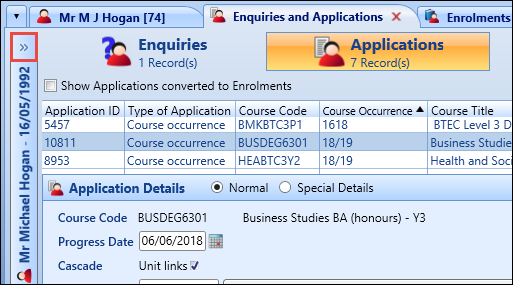
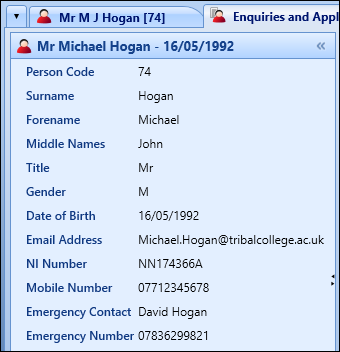
The Learner panel will display details of the current learner in a read-only view.
View course details
To view the Course panel, select the Expand button on the right-hand side of the screen.
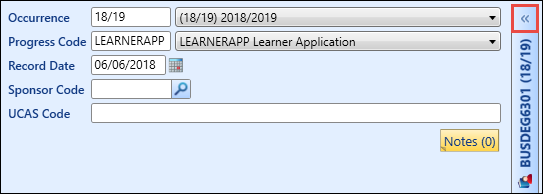
The Course panel will display details of the current course.